



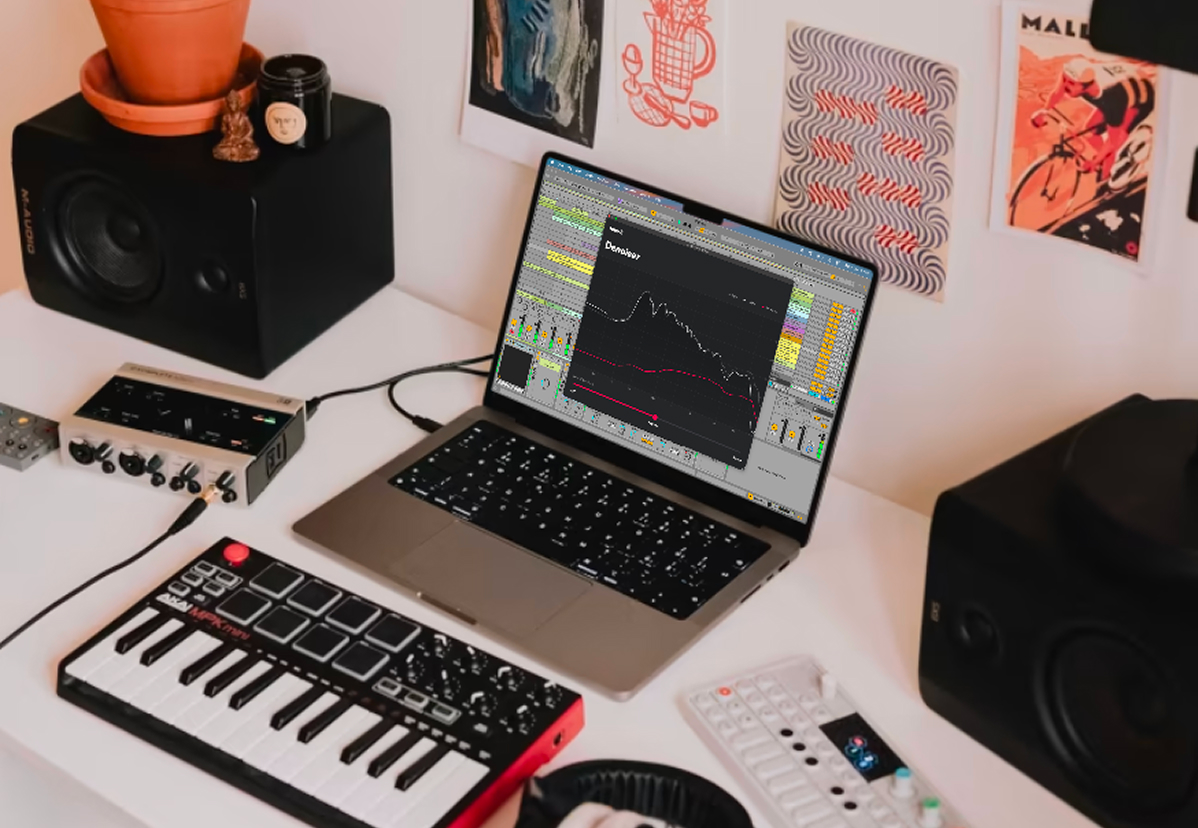
In your DAW VST3 / AU
Run Denoiser directly in your DAW with the VST and AU plugin. Use it whenever you need to get rid of noise - usually as the first plugin in your plugin chain, but sometimes even behind amp simulations or other noisy bad boys.
Listen to famous unplugged recordings, denoised.
Every copy of Denoiser includes the VST3 / AU plugin and the standalone app.
Run Denoiser directly in your DAW with the VST and AU plugin. Use it whenever you need to get rid of noise - usually as the first plugin in your plugin chain, but sometimes even behind amp simulations or other noisy bad boys.
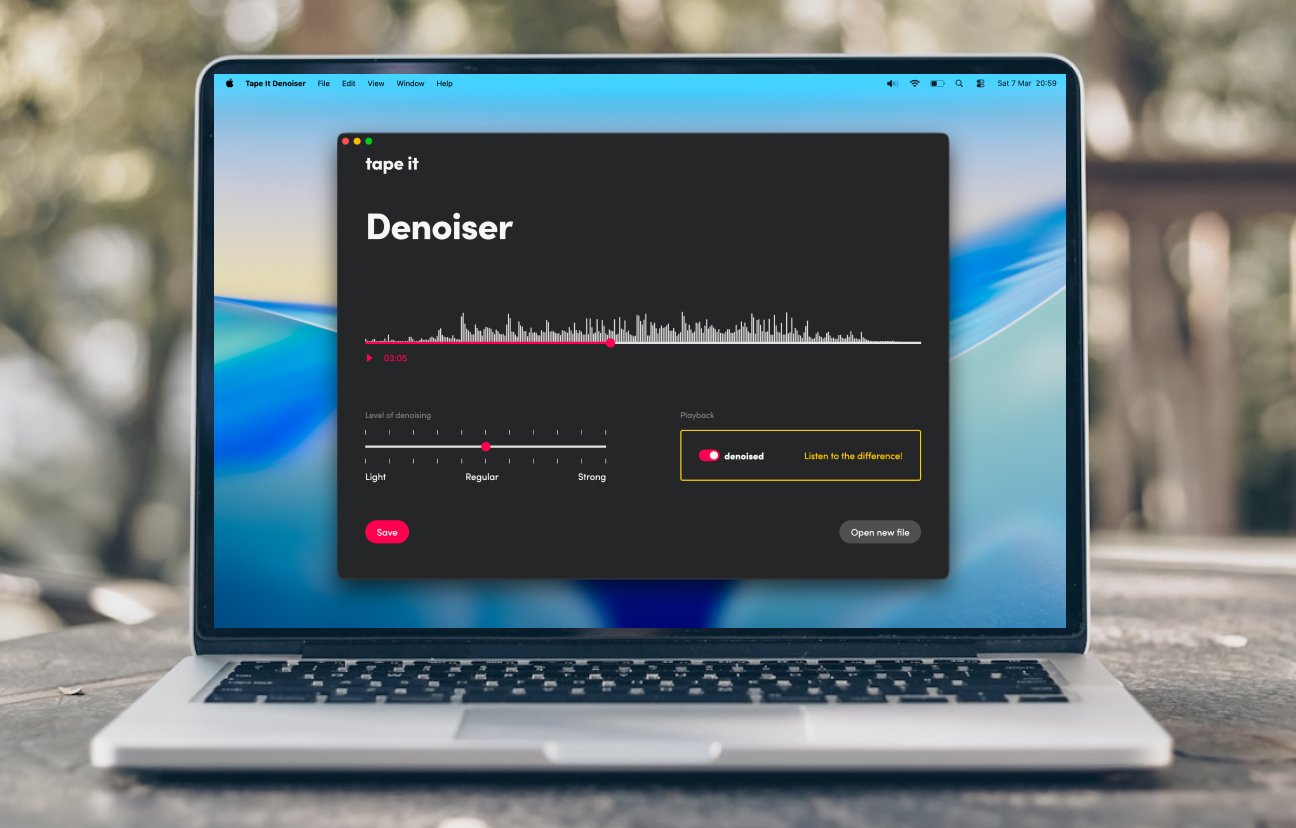
Choose an audio file and let Denoiser remove the background noise, without introducing unwanted artefacts. You can adjust the strength if you want, but the default setting is usually right. It doesn't get any easier than this.
Tape It Denoiser is not a normal AI denoiser. A machine learning model listens to the audio and detects the noise profile, and a multi-band expander processes the audio signal to reduce the noise. That means you get the benefits of modern AI without the weird sound artefacts that AI-edited audio tends to have. The AI doesn't touch the audio directly but steers well-understood classical signal processing elements that have proven themselves in countless studios around the world. It reliably detects the noise profile without a clean "noise-only" segment and easily adapts to changing noise over time.
This combination is unique in the market. You get the sound of proven noise reduction software, with all the comfort and precision of modern AI, and none of its downsides. Read the research paper if you want to know more.
Plugin and standalone app for macOS and Windows. One license, one price.
Already have a serial number?
Current version: 1.0.2
Bought the standalone app only and want the plugin, too?
Upgrade here.